I’m sure you all know this issue, probably when trying to create a commit in a repository you haven’t worked in in a while:
error: gpg failed to sign the data:
[GNUPG:] KEYEXPIRED 1767198335
And of course you all know how to actually change the expiry date: gpg --edit-key, followed by selecting a key and using the expire command, which then presents you this prompt:
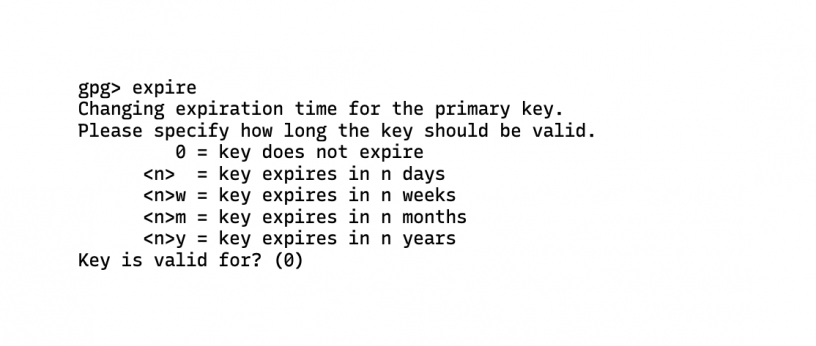
gpg> expire
Changing expiration time for the primary key.
Please specify how long the key should be valid.
         0 = key does not expire
      <n>  = key expires in n days
      <n>w = key expires in n weeks
      <n>m = key expires in n months
      <n>y = key expires in n years
Key is valid for? (0)
I don’t know about you, but my disorders can’t have keys expire at a random date in two years. My keys expire at the end of the year, but how many fucking days is that?! I don’t know, and I don’t care, and fuck you, gpg, for trying to make me figure that out!
Turns out, though, you can actually just enter a date:
Key is valid for? (0) 2026-12-31
Key expires at Do 31 Dez 12:00:00 2026 CET
I couldn’t find a way to set the time, but this is already way better than what I had to go through before.

Leave a Reply